Step 01
Start with what is on site
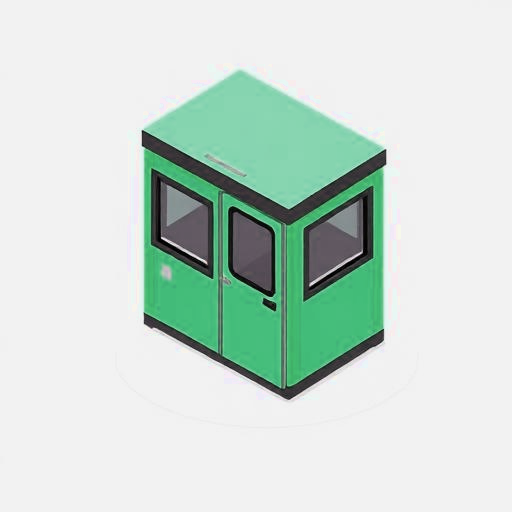
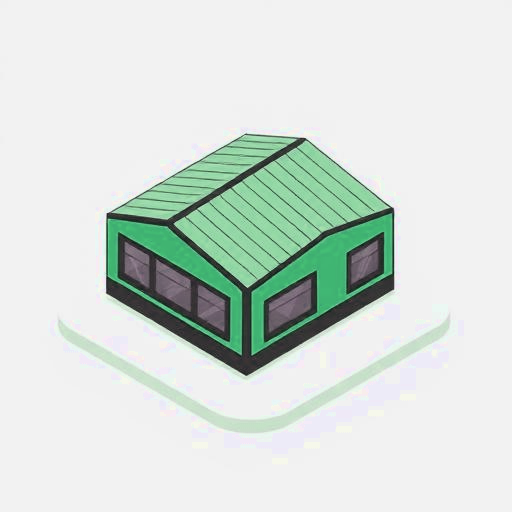
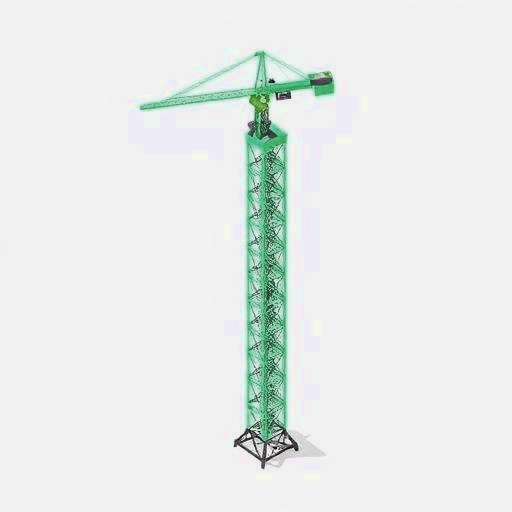
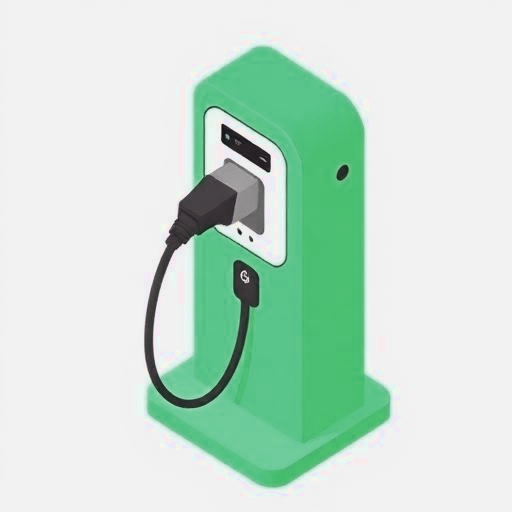
The first screen is a plain equipment list. Welfare cabins, buildings, cranes, EV charging, or tell us it is something unusual. No load schedules, no single line diagrams.
How it works
Sizr replaces the back and forth of load schedules, phone calls and guesswork with one guided path that shows its reasoning at every step.
Step 01
The first screen is a plain equipment list. Welfare cabins, buildings, cranes, EV charging, or tell us it is something unusual. No load schedules, no single line diagrams.
Step 02
Sizr then asks only what it needs for the kit you picked. For cabins that is how many and what supply each one takes, which in this example lands at 58.4 kVA connected before diversity.
Step 03
Diversity at 0.7, catalogue headroom of ×1.1, a target of 45 kVA, then the next real set up the ladder with a battery that can hold the quiet window. 12 priced lines from the live hire catalogue.
Step 04
Weekly hire, one off connection and make good, a 26 week project total, and a 24 hour fuel and carbon model. Export the PDF or open the sustainability report from the same screen.

Pick everything that needs power. You can choose more than one.
The detail
Nothing here is hidden behind a black box. Each step states what Sizr assumed and why, so the output can be checked by whoever signs it off.
Pick the equipment on site, tell Sizr how many and how long, and answer a handful of follow ups. The assistant asks about the things that change the answer and skips the things that do not.
Sizr builds a load profile from the equipment you selected, applying diversity, duty cycles, heating and charging peaks, and starting current allowances for crane and hoist motors.
The engine matches the profile to real catalogue kit: a generator with sensible headroom, an optional hybrid battery for quiet hours, plus the cabling and distribution to connect it.
Hire rates are applied across the real project duration, fuel burn is calculated on a 24 hour basis, and the sustainability report compares the site with and without storage.
Generate a branded PDF of the selected option with the full line item breakdown, or push the enquiry straight into your CRM on the Enterprise plan.